Workflows · checked Oct 25, 2026
Qwen Image 2.1 ComfyUI workflow JSON files
The five official templates from Comfy-Org, hosted here so you can import them in one step. Use ComfyUI v0.40.0 or newer.
How to import a Qwen-Image-2.1 workflow
- Click Copy workflow, click an empty spot on the ComfyUI canvas and press Ctrl+V.
- Or download the .json and drag it onto the canvas.
- If a model file is missing, ComfyUI lists it with a download button.
Four templates include the prompt enhancer, switched off (refine_prompt). Keep its file anyway: ComfyUI checks every loader's file before a run.
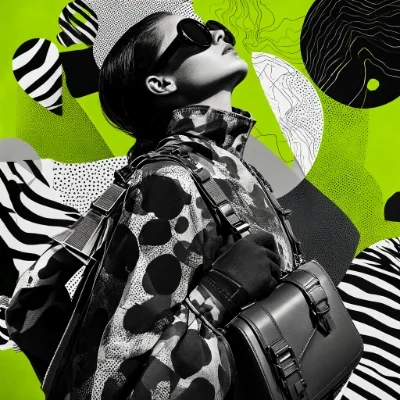
Qwen Image 2.1: Text to Image
Text to image with the standard model: 25 steps, CFG 1, 1024×1024. For native 2K, set the size selector to 4 megapixels.
Model files:
- qwen_image_2.1_int8_convrot.safetensors · 7.26 GB · ComfyUI/models/diffusion_models/
- qwen3vl_8b_int8_convrot.safetensors · 9.35 GB · ComfyUI/models/text_encoders/
- qwen_image_2.1_vae_bf16.safetensors · 0.68 GB · ComfyUI/models/vae/
- qwen3.5_9b_qwen_image_2.1_pe_t2i.int8_convrot.safetensors · 9.47 GB · ComfyUI/models/text_encoders/ · prompt enhancer, off by default
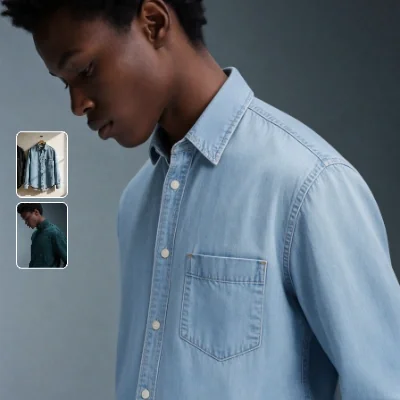
Qwen Image 2.1: Image Edit
Edit with up to 10 reference images. image_1 is the image you edit; name the inputs in the instruction as <image1>, <image2> and so on.
Model files:
- qwen_image_2.1_int8_convrot.safetensors · 7.26 GB · ComfyUI/models/diffusion_models/
- qwen3vl_8b_int8_convrot.safetensors · 9.35 GB · ComfyUI/models/text_encoders/
- qwen_image_2.1_vae_bf16.safetensors · 0.68 GB · ComfyUI/models/vae/
- qwen3.5_9b_qwen_image_2.1_pe_i2i.int8_convrot.safetensors · 9.47 GB · ComfyUI/models/text_encoders/ · prompt enhancer, off by default
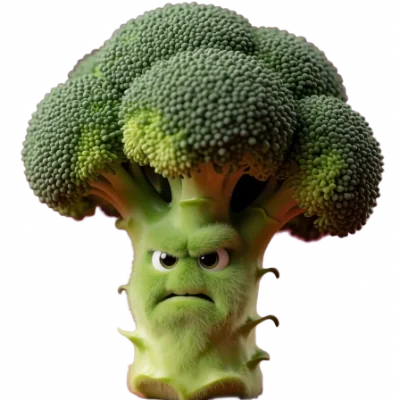
Remove Background: Qwen Image 2.1
Removes the background of one image and returns a transparent PNG, with a before-and-after comparison. No prompt enhancer.
Model files:
- qwen_image_2.1_int8_convrot.safetensors · 7.26 GB · ComfyUI/models/diffusion_models/
- qwen3vl_8b_int8_convrot.safetensors · 9.35 GB · ComfyUI/models/text_encoders/
- qwen_image_2.1_vae_bf16.safetensors · 0.68 GB · ComfyUI/models/vae/
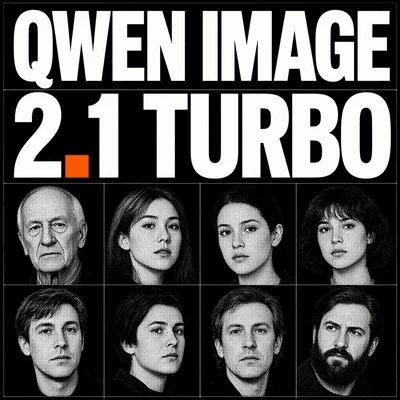
Qwen Image 2.1 Turbo: Text to Image
Text to image with the Turbo model in 8 steps, using the schedule that ships with the checkpoint.
Model files:
- qwen_image_2.1_turbo_int8_convrot.safetensors · 7.26 GB · ComfyUI/models/diffusion_models/
- qwen3vl_8b_int8_convrot.safetensors · 9.35 GB · ComfyUI/models/text_encoders/
- qwen_image_2.1_vae_bf16.safetensors · 0.68 GB · ComfyUI/models/vae/
- qwen3.5_9b_qwen_image_2.1_pe_t2i.int8_convrot.safetensors · 9.47 GB · ComfyUI/models/text_encoders/ · prompt enhancer, off by default
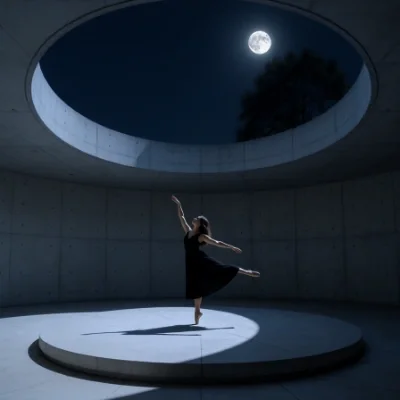
Qwen Image 2.1 Turbo: Image edit
Image editing with the Turbo model in 8 steps.
Model files:
- qwen_image_2.1_turbo_int8_convrot.safetensors · 7.26 GB · ComfyUI/models/diffusion_models/
- qwen3vl_8b_int8_convrot.safetensors · 9.35 GB · ComfyUI/models/text_encoders/
- qwen_image_2.1_vae_bf16.safetensors · 0.68 GB · ComfyUI/models/vae/
- qwen3.5_9b_qwen_image_2.1_pe_i2i.int8_convrot.safetensors · 9.47 GB · ComfyUI/models/text_encoders/ · prompt enhancer, off by default
Workflows and preview images © 2023-present Comfy Org, MIT License. License
Sources: Comfy-Org/workflow_templates · Comfy-Org/Qwen-Image-2.1 · docs.comfy.org